
Start with free trial credits
Sign in and eligible new users can receive trial credits. Each image uses credits based on the model and settings, and the estimated cost appears before you submit.
Free trial credits · Text to image · Image to image
Create original art from a text prompt or transform a reference photo with leading AI models. Sign in to use free trial credits, see the exact cost before every generation, and keep text-to-image, image-to-image, downloads, and AI video in one browser workflow.
Write a prompt or upload reference images, then generate to start building your visual library.
Clear answers before you create
A no-restrictions AI image generator reduces common barriers such as forced sign-up, credit-card requirements, narrow model access, and hard generation caps. The exact meaning varies by service. ImageVids AI lets you explore the workspace before login, then requires sign-in and credits to generate; model, queue, technical, and content-policy rules still apply.
Sign in and eligible new users can receive trial credits. Each image uses credits based on the model and settings, and the estimated cost appears before you submit.
You can open the workspace, compare models, and prepare a prompt without logging in. An account is required to generate, keep history, and download completed images.
Upload reference images to supported models, describe what to change and preserve, and use the displayed reference-image, resolution, and credit limits to plan each run.
Generate art, realistic scenes, characters, and product concepts, but not every prompt or upload is allowed. The content policy and applicable law still govern use.
Two ways to create
An AI image generator turns written instructions into new visuals. In Text to Image mode, describe the subject, setting, composition, lighting, style, and intended format. The selected model interprets that visual brief, so results can vary between models and between generations.
When you already have a product photo, portrait, sketch, or artwork, use Image to Image. Upload the clearest reference available, explain what should change, and name the details that must remain consistent. This gives the model a more useful starting point than a prompt alone.
Start from an idea and create realistic photos, anime art, illustrations, concept designs, posters, or social visuals. Use a descriptive prompt when the composition does not need to match an existing asset.
Restyle a photo, replace a background, build product scenes, explore controlled variations, or combine direction from multiple references while stating what the model should preserve.
Simple process
Move from an idea or source photo to a useful, downloadable result in three practical steps.
Use Text to Image for a new concept. Choose Image to Image when a photo, product, person, character, color palette, or composition should guide the result.
Describe the main subject first, then add the environment, framing, style, lighting, color, and constraints. Select a model, resolution, and aspect ratio that match where the image will be used.
Check anatomy, small text, edges, brand details, and source-image consistency. Reuse successful settings for a variation, download the image, or send it to the AI video generator to add motion.
Model selection guide
The best AI image generator is the one that fits your starting material, the controls you need, and the final format. Compare the same short brief across two suitable models before spending credits on a larger batch.
For a blank canvas, choose a model that supports Text to Image. For a product, portrait, character, or layout that must remain recognizable, filter for Image to Image and check how many reference images it accepts.
Decide whether prompt accuracy, source-image consistency, multi-reference support, prompt enhancement, or fast iteration matters most. A capable model is only useful when its controls match the task.
Choose the aspect ratio for the destination before generating: square for flexible posts, portrait for vertical content, or landscape for banners and video frames. Select resolution after the composition is working.
Popular directions
Use these AI image generator prompt patterns as practical starting points. Replace the subject, setting, and visual details with your own brief, then test one creative change at a time.
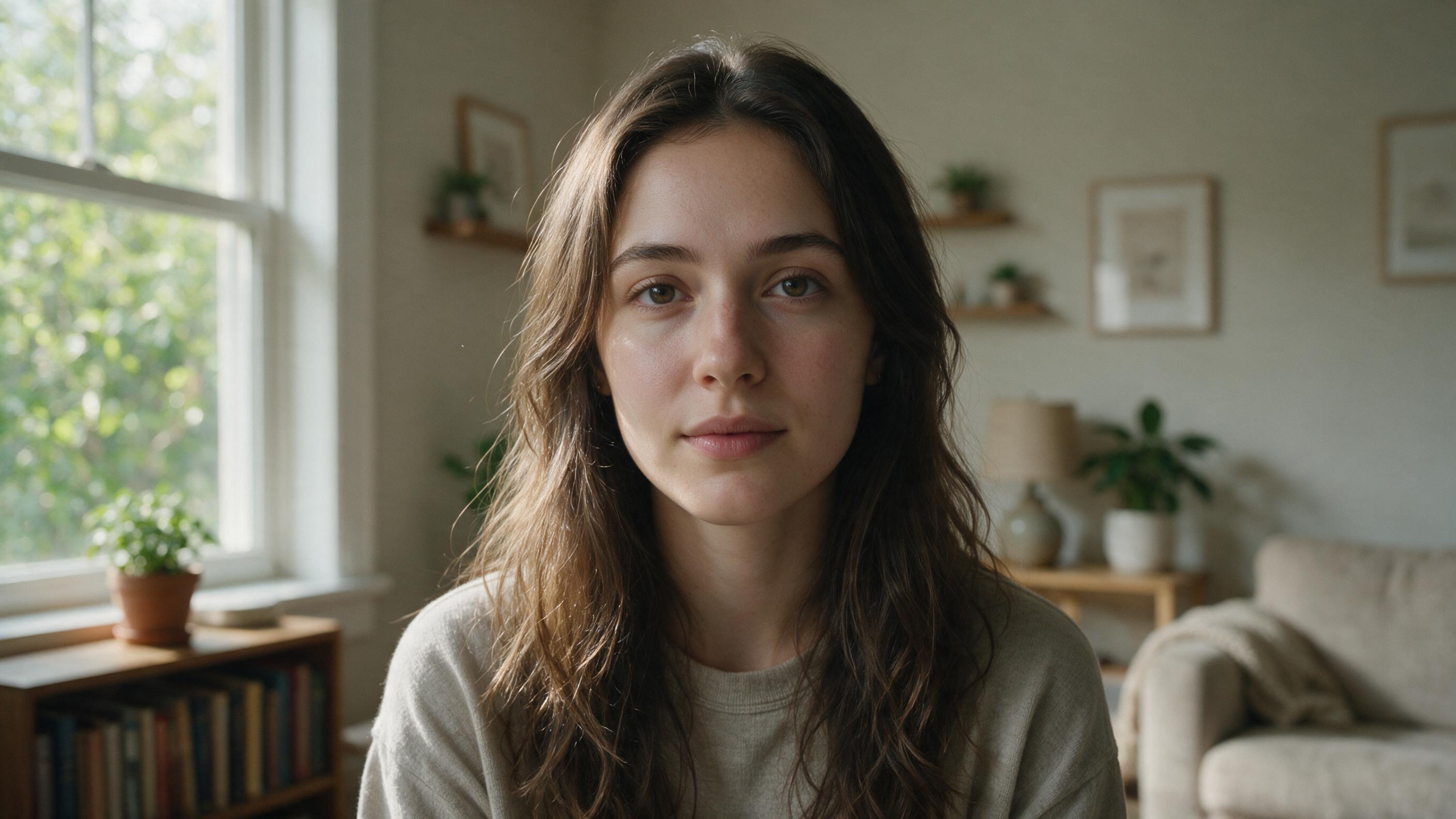 01
01Create photography-inspired portraits, lifestyle scenes, interiors, food images, and editorial visuals with controlled camera and lighting language.
Prompt“Editorial portrait of a ceramic artist in a sunlit studio, 50mm lens, natural skin texture, warm window light, subtle film grain”
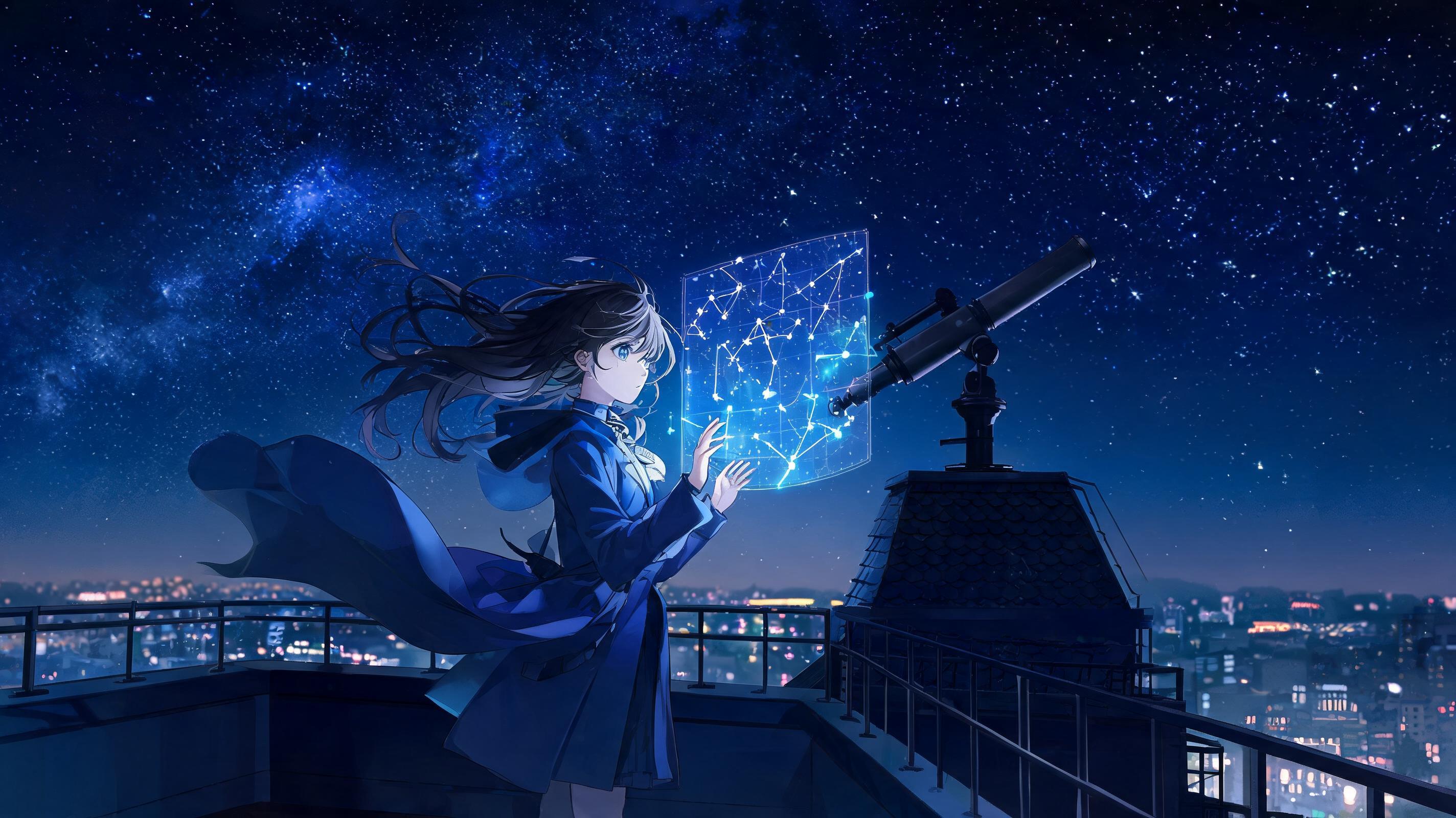 02
02Design expressive characters and story moments with clear wardrobe, pose, environment, color palette, and rendering direction.
Prompt“Anime astronomer on a rooftop observatory, indigo coat, glowing star charts, wind-swept hair, cinematic night lighting”
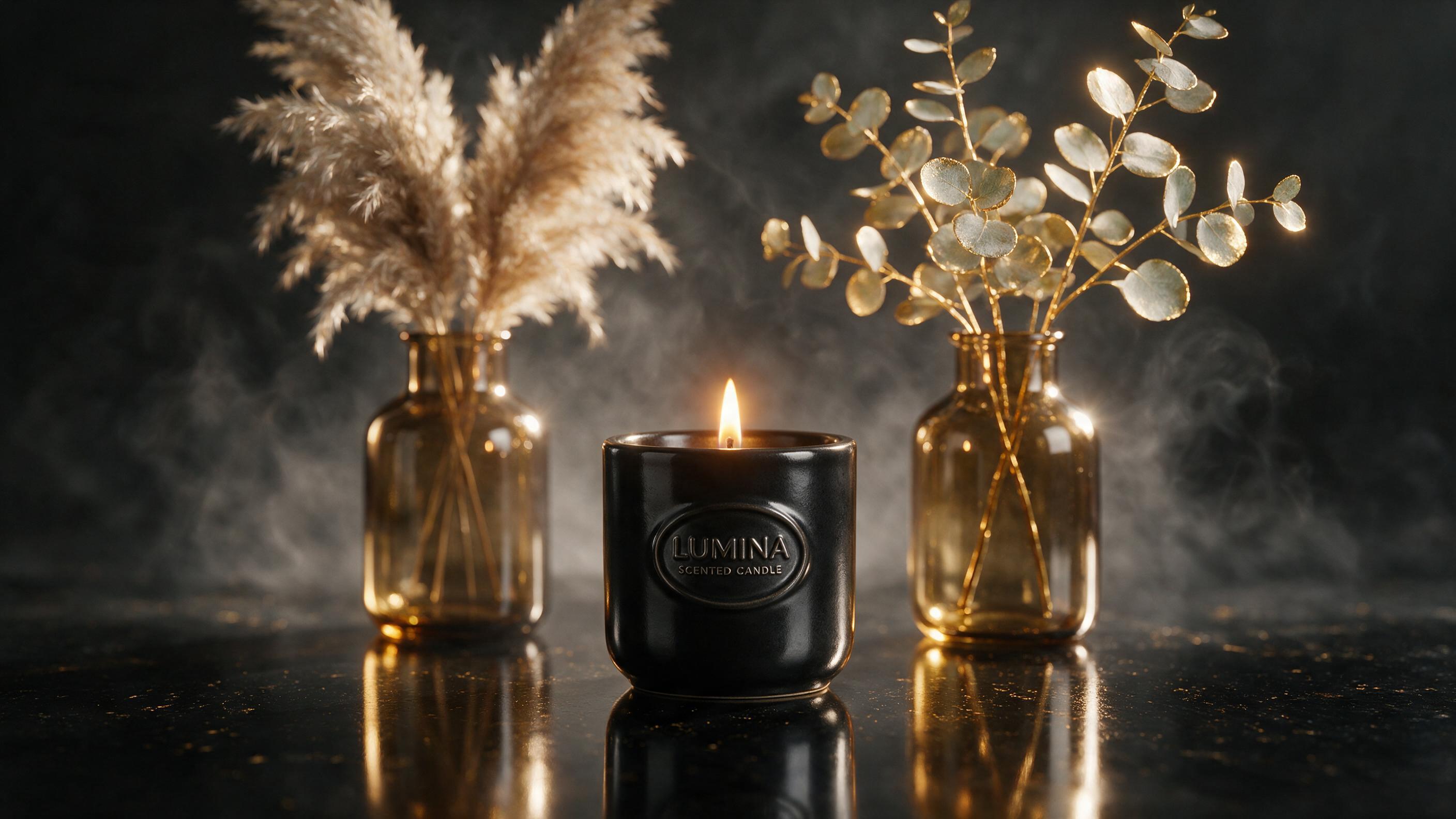 03
03Place products in clean studio scenes or lifestyle settings while controlling material, reflections, backdrop, camera angle, and brand mood.
Prompt“Premium skincare bottle on pale stone, soft botanical shadows, clean beige studio backdrop, glossy highlights, luxury campaign photography”
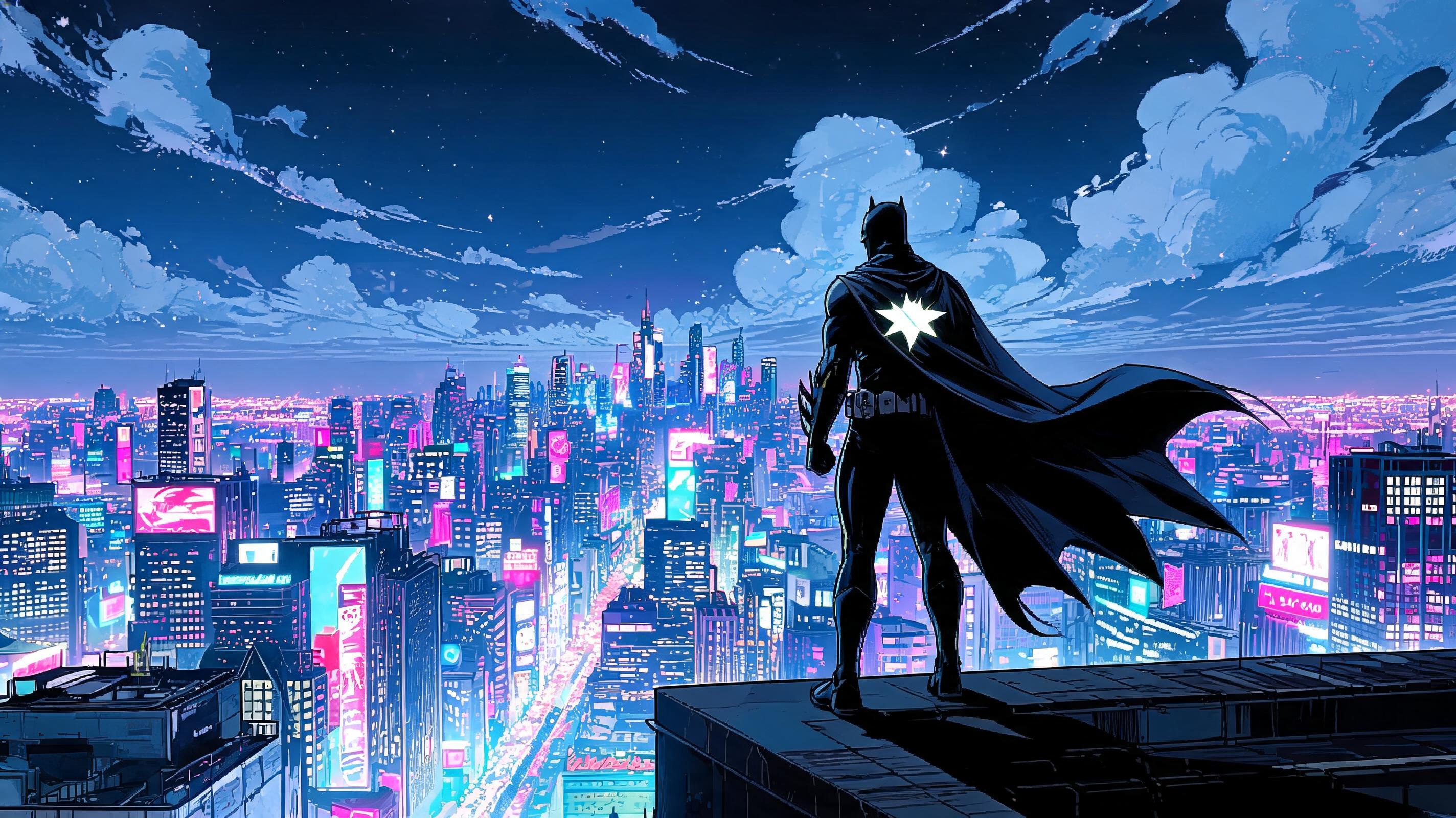 04
04Explore environments, cover art, game assets, storyboards, and visual concepts across painterly, graphic, or cinematic styles.
Prompt“Floating coastal library above turquoise water, intricate architectural concept art, atmospheric haze, golden hour, wide composition”
Prompt guide
Specific visual language gives the model useful direction without making the prompt unnecessarily long. Begin with the main subject, then add the scene, composition, light, style, delivery format, and details that must remain consistent.
Made for creators and teams
Use one workspace for rapid visual exploration, campaign assets, product concepts, and still images intentionally composed to become videos.
Generate campaign concepts, post visuals, ad backgrounds, thumbnails, and story assets in formats suited to each channel.
Turn a clean product reference into lifestyle scenes, seasonal concepts, premium studio compositions, and visual variations.
Develop characters, locations, covers, keyframes, mood boards, and images that can anchor a longer visual story.
Test color directions, compositions, materials, environments, and early concepts before committing to a final production path.
From still image to motion
ImageVids AI is built around the full image-to-video workflow. Open any completed result, choose Animate this image, add a motion prompt, and continue in the AI video generator without rebuilding your visual idea.
FAQ
An AI image generator is an online tool that creates or transforms images from written prompts and visual references. You describe the subject, scene, style, and composition, and an AI model produces a corresponding image.
Sign in to ImageVids AI and eligible new users can receive free trial credits to test image generation. Each model and setting can use a different number of credits, which is shown in the workspace before generation.
A no-restrictions AI image generator is designed to remove or reduce common barriers such as forced sign-up, credit-card requirements, limited model choice, and hard generation caps. The exact meaning depends on the service. On ImageVids AI, you can browse the workspace and prepare a prompt without an account, but sign-in and credits are required to generate. Model, queue, technical, and content-policy limits still apply.
No. Access barriers and output quality are separate. Image quality depends on the selected model, prompt, source images, resolution, and settings—not whether a tool describes itself as unrestricted. ImageVids AI lets you compare models and choose available resolutions; higher-cost models or settings may use more credits, and every result should be reviewed at full resolution.
You can explore the workspace, compare models, and prepare a prompt without an account, but ImageVids AI requires sign-in before generation. Eligible new users can receive free trial credits after signing in; this page does not claim to provide no-login generation.
No. Image-to-image generation is available on supported models and can be tested with trial credits, but every run uses credits and follows the model, reference-image, resolution, queue, and account limits shown in the workspace.
No responsible AI art generator should treat no restrictions as permission for illegal, harmful, deceptive, infringing, or non-consensual content. ImageVids AI supports a wide range of creative prompts while applying its content policy and applicable law.
Yes. Choose Text to Image, select a model, describe the visual you want, set the resolution and aspect ratio, and generate. Detailed prompts usually give the model clearer creative direction.
Yes. Choose Image to Image and upload one or more reference images. You can request a new background, style, scene, composition, or variation while describing which source details should remain consistent.
Describe real photographic choices such as lens, framing, light direction, depth of field, material texture, environment, and natural imperfections. A clear subject and restrained composition usually help realism.
Commercial use depends on your ImageVids AI plan, the applicable model terms, and the rights connected to your inputs. Review the current pricing page and terms before using an output for advertising, client work, or resale.
Export rules can vary by plan and model. Check the current pricing details for watermark, resolution, credit, and commercial-use terms that apply to your account.
Yes. Open a completed image in your generation history and choose Animate this image. ImageVids AI transfers it into the image-to-video workflow, where you can add motion, camera direction, duration, and other available settings.
Use the AI image generator to start with a prompt or reference photo, compare visual directions, and continue from a finished still to motion in one ImageVids AI workflow.
Start generating images