
Starting with an idea
Use the AI Video Generator when you want one workspace for text prompts, uploaded images, model selection, and generation settings.
Create videos from text, animate images and photos, try a free generator, or compare leading AI video tools in one practical directory.
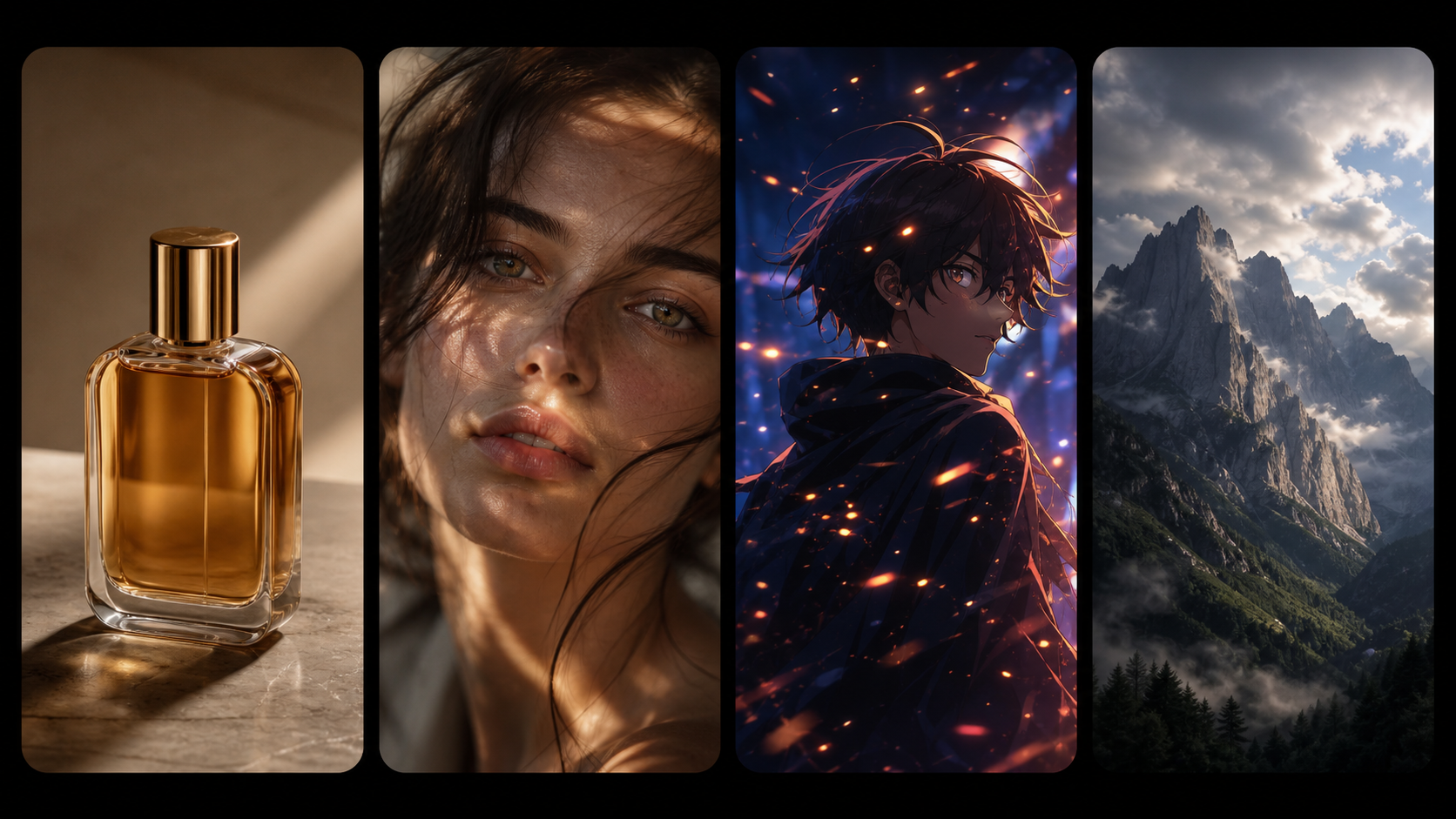
Turn still images, artwork, and product visuals into moving AI-generated clips with prompt-based motion control.
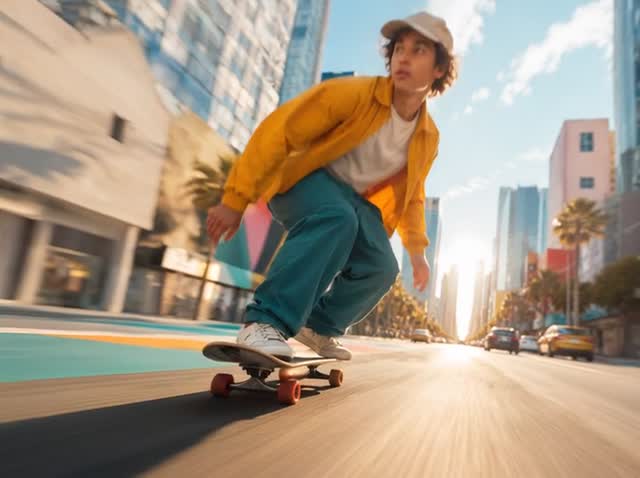
Create videos from text prompts or uploaded images, compare models, and control duration, ratio, resolution, and audio.
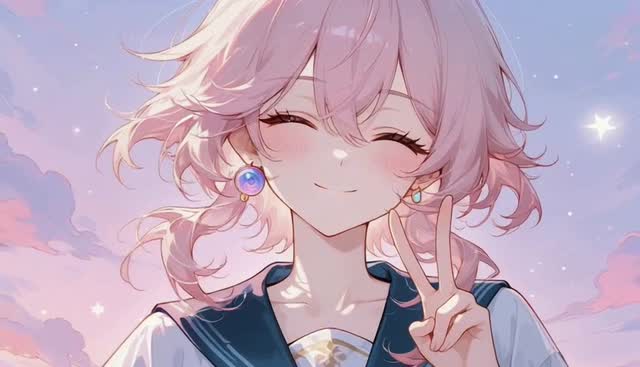
Turn anime images and original character art into short videos for story scenes, manga moments, and social posts.
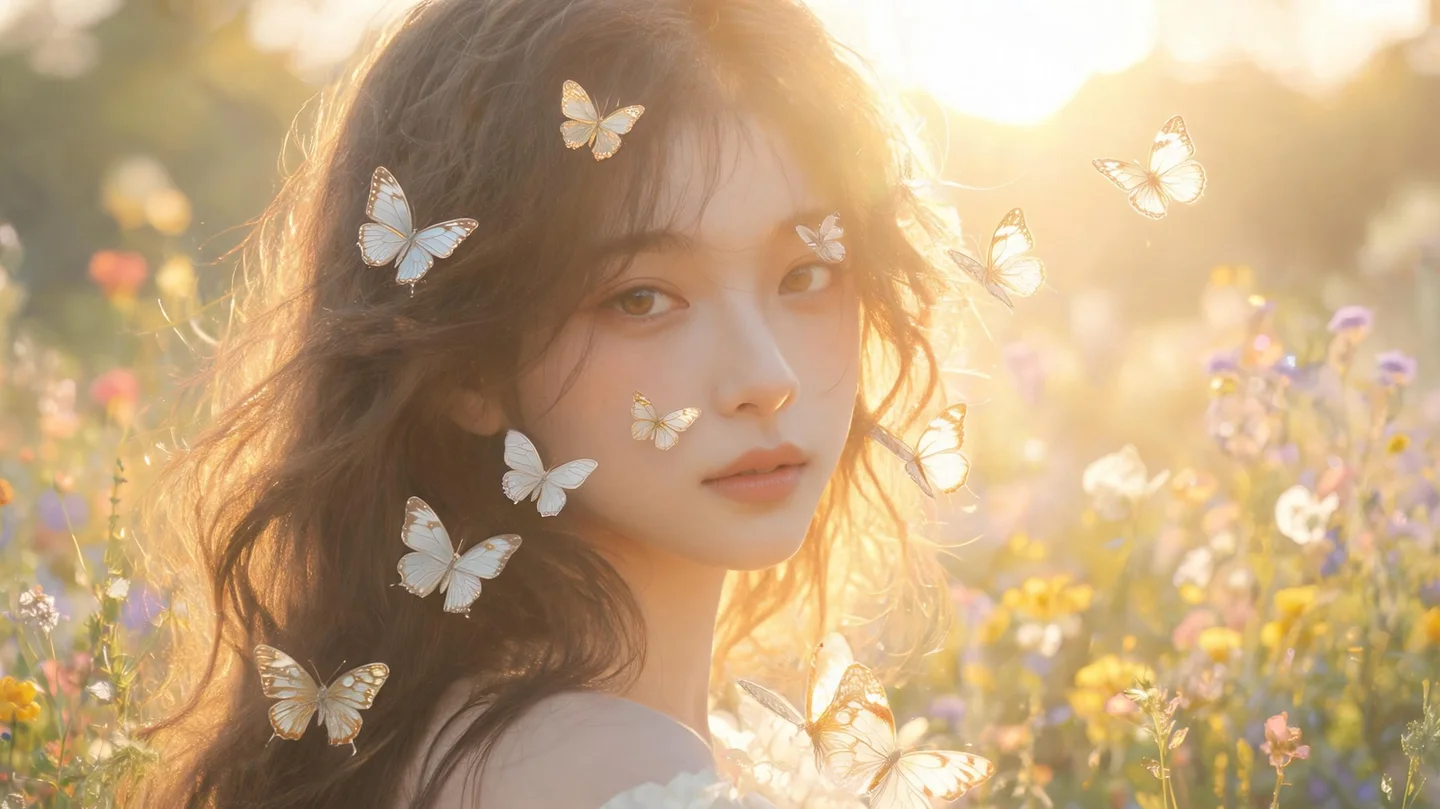
Create AI girlfriend videos from text or an existing girlfriend image, with prompts for expression, motion, framing, and consistent appearance.
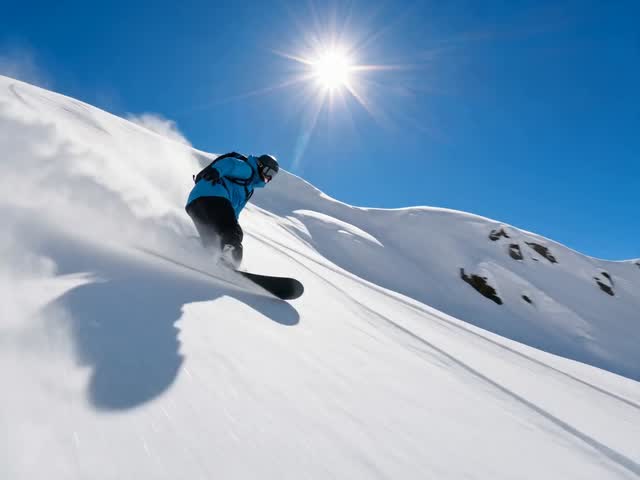
Convert a photo, design, or AI-generated image into a dynamic video directly in your browser.
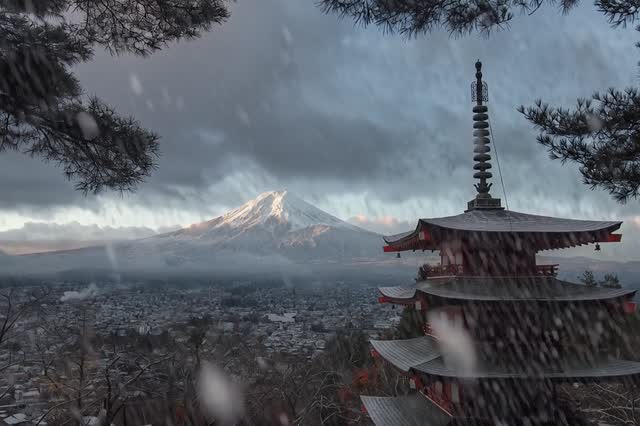
Animate portraits and everyday photos with natural subject movement, camera direction, and cinematic effects.
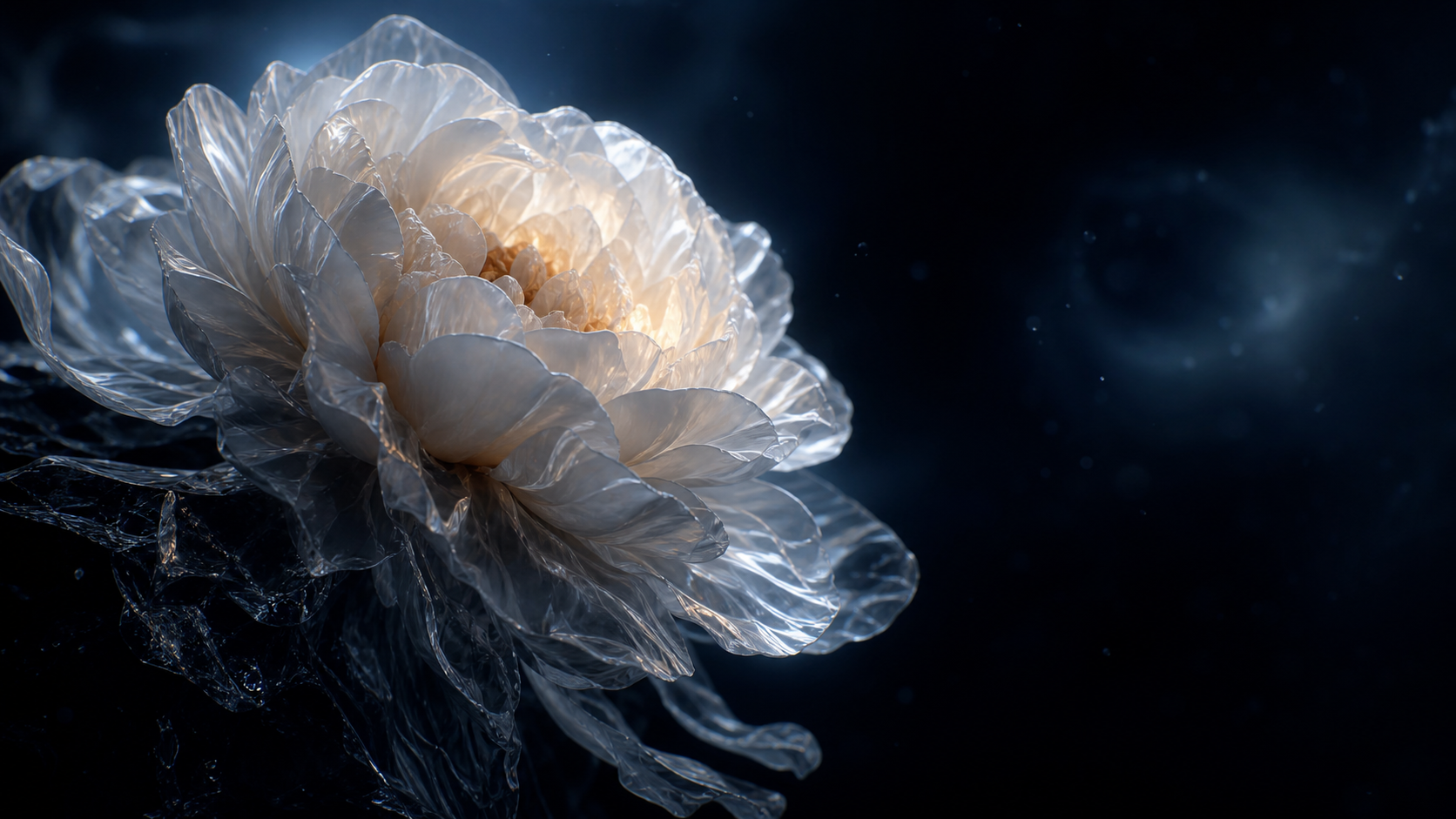
Test image-to-video generation with free trial credits before choosing a paid plan or adding more capacity.
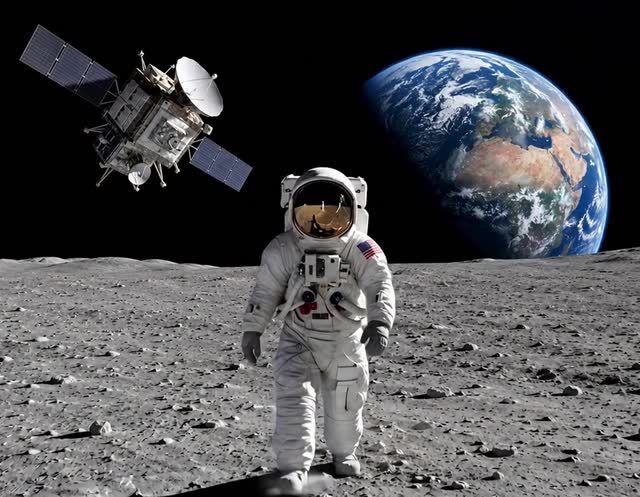
Compare popular AI image-to-video tools by quality, free access, motion controls, watermark rules, and use case.
Workflow guide
Your best tool depends on whether you are beginning with a prompt, a still image, a portrait, or a comparison question.
Use the AI Video Generator when you want one workspace for text prompts, uploaded images, model selection, and generation settings.
Choose an image or photo workflow when preserving the subject while adding movement is the main goal.
Read the comparison guide when you need to evaluate free access, output quality, motion control, pricing, and commercial use.
FAQ
AI video tools generate or edit video with machine learning. Depending on the workflow, they can create clips from text prompts, animate still images, add motion to photos, or help compare different generation models.
Use the AI Image to Video Generator for a direct creative workflow, the Image to Video Converter for a focused conversion experience, or Photo to Video AI when natural portrait and photo motion is the priority.
Yes. Open the AI Video Generator, switch to text-to-video, select an available model, and describe the subject, action, camera movement, setting, and visual style you want.
ImageVids AI offers a free image-to-video workflow with trial credits, so you can test a source image and prompt before deciding whether you need more generation capacity.
Start with your input and goal. Choose text-to-video for an idea, image-to-video to preserve an existing visual, photo animation for portraits, or the comparison guide when you need to evaluate models and platforms.
Open the free image-to-video workflow, upload a source image, and test a model with free trial credits.