
Free AI Video Effects Online
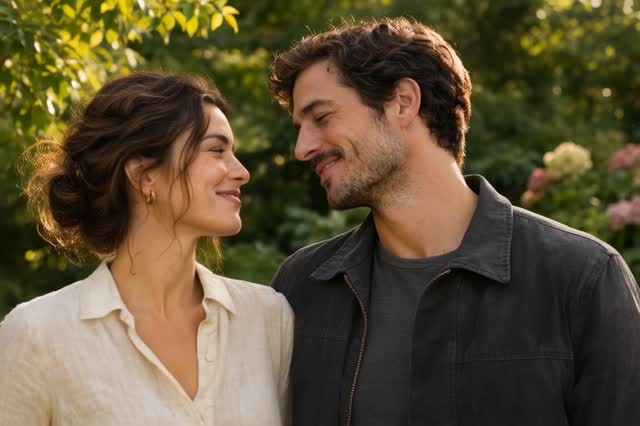
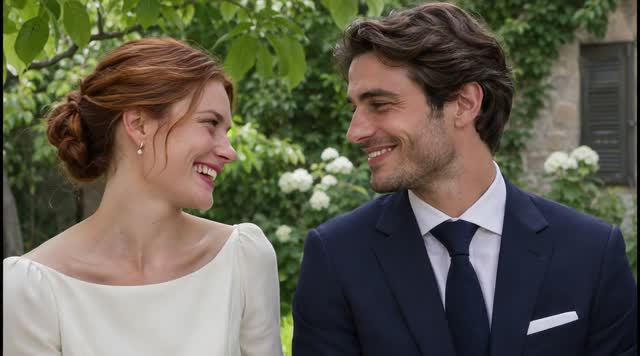
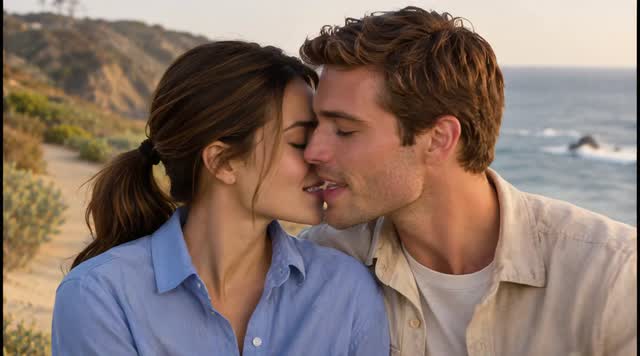
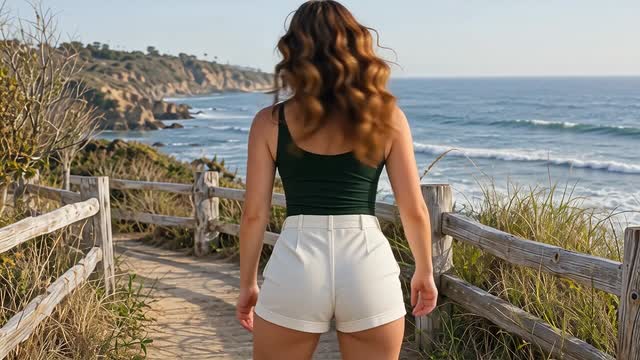
Turn your photos into kissing, hugging, dance and outfit change videos for free. Pick a preset, upload your photos and create—no login, prompt writing or app download needed.
Three simple steps
How to use AI video effects
The effect sets the action. Your photos make the video yours.
-
Choose an effect
Watch the preview and pick the effect you want. Open its generator with the motion already prepared for you.
-
Upload your photos
Add the images requested by the effect. For AI Kissing, use one photo of a couple or two separate portraits.
-
Generate your video
Click Create to apply the preset to your photos. When your clip is ready, preview it and download it from your generation history.
Start with a clear photo
Choose a sharp, well-lit image with the people or subjects easy to see. When using two portraits, similar lighting and face sizes make a better starting point.
AI video effects: your questions answered
What are AI video effects on ImageVids AI?
They are ready-made effects that turn your photos into short videos. Each preset defines an action, such as a kiss, so you can choose the result you want without describing the movement yourself.
Do I need to write a prompt or edit the video?
No. The motion instructions are already included in each effect. Choose a preset, upload the required photos, and click Create. You don't need to write a prompt, arrange a timeline, or install an editing app.
Can I use one photo or two separate photos?
It depends on the effect. Each effect’s generator shows which inputs it accepts. AI Kissing works with one photo showing both people or two individual portraits, so you don't need a photo together to get started.
Are all AI video effects free to use?
Yes. All video effects in this collection are free to use without logging in. Choose an effect, upload your photos and generate your video online.
Will my video look exactly like the preview?
The preview shows the action the preset is designed to create. Your video uses your own photos, so the people, background, and movement can differ. Clear faces and good lighting give the model a stronger starting point.
Can I apply these effects to an existing video?
The presets in this collection create a new video from uploaded photos. Start with images in the effect's generator; this workflow does not apply a filter to an existing video file.