
Animate a Photo of You Together
Pick a favorite selfie, holiday photo, or date-night picture. AI French Kiss adds a slow lean-in and a lingering kiss, giving you a romantic clip to send to your partner. You don't need to film anything.
Turn one couple photo or two portraits into an AI French Kiss video for free. Create a romantic kiss online without logging in or writing a prompt.
Pick your photos, let AI create the kiss, and save a little surprise for your partner.
Step 1
Use one photo of you together, or choose Two portraits and add one photo of each person. Pick clear, well-lit faces with a little space around the heads.
Step 2
Choose an available model and click Create to start your video. The kissing effect is ready to use, so you don't need to write a prompt.
Step 3
Find the finished clip in Your videos. Preview the kiss, download your favorite version, and send it to your partner. Want another take? Use Redo to try again.
See how a still photo can become a short romantic scene. Watch these three examples to get a feel for the kiss and movement, then try it with photos of you and your partner.
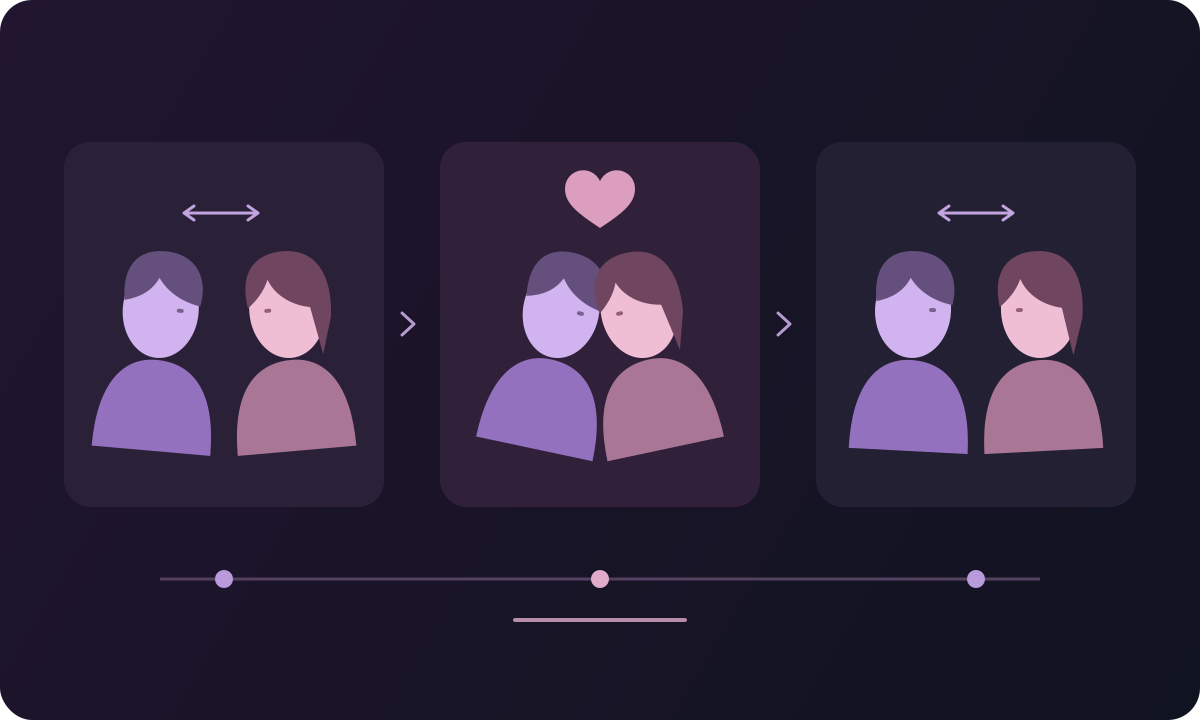
Start with a photo together or one photo of each of you. AI French Kiss creates a short scene where you lean in, share a kiss, and gently pull apart.
Pick a favorite selfie, holiday photo, or date-night picture. AI French Kiss adds a slow lean-in and a lingering kiss, giving you a romantic clip to send to your partner. You don't need to film anything.
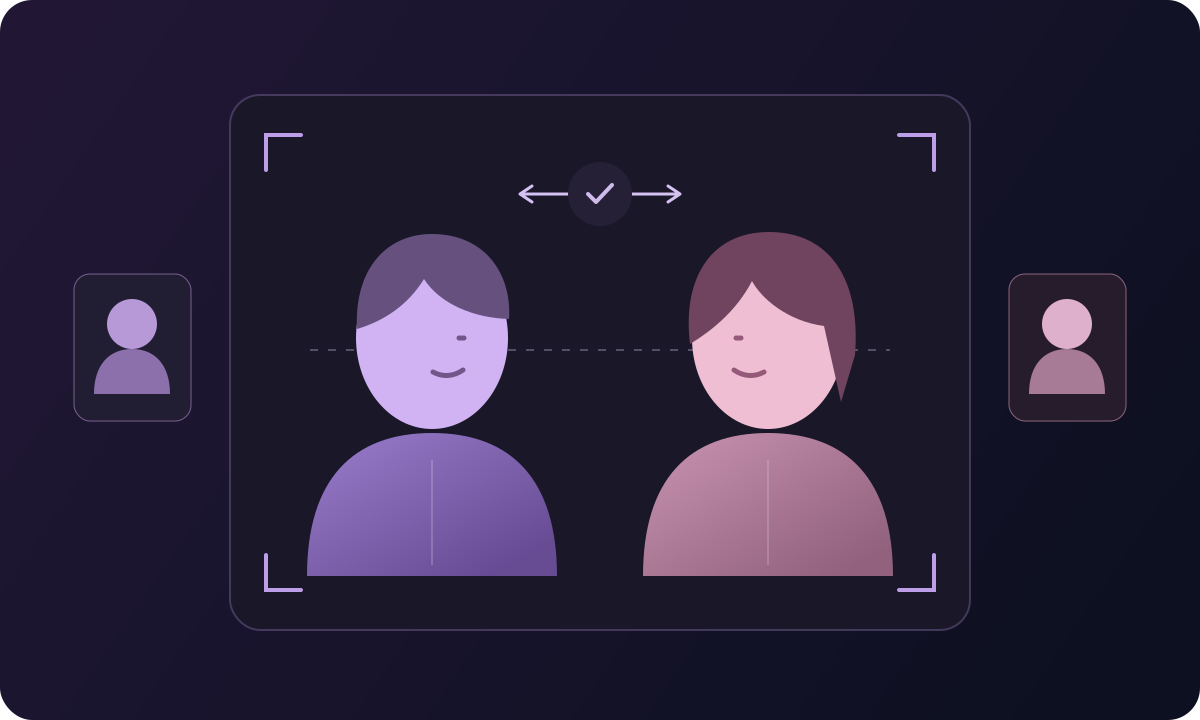
Don't have a photo together? Upload one portrait of each person. The tool brings you into the same scene and creates the kiss, so you can make a couple video without editing the photos into a collage first.
Make a kiss video from your photos, try a few versions, and save the one you want to send.
A selfie together or two separate portraits both work. Choose the upload option that fits your photos; there's no need to make a collage first.
The French kiss movement is already set up. Add your photos and choose a model without having to describe the kiss or edit the video frame by frame.
Try different available models with the same photos. Compare how each version handles the faces and movement, then choose your favorite.
Upload and generate right in your browser. You don't need to install an app or open a video editor to make your first kiss clip.
Want to try again? Use Redo in Your videos to reuse your photos and settings. Make a new version without uploading everything again.
Download the finished clip to your device. Send it to your partner, keep it with your favorite photos, or add it to a longer video in your own editor.
You don't need a special occasion. Turn a photo that means something to the two of you into a message that's a little more personal.
In different cities, or just missing each other tonight? Use a portrait of each of you to make a kiss video, then send it with a simple “Wish you were here.” You don't need a recent photo together.
Choose a photo from your wedding, first trip, or an ordinary day you both remember. Turn it into a kiss and send it with a note about that moment. It's a personal touch for an anniversary or Valentine's Day.
Making a birthday reel or a video of your year together? Download your kiss clip and place it after your favorite photos in your own editor. Add your song and a short message to finish it.
Try a quick kiss, a warm hug, or another photo animation.
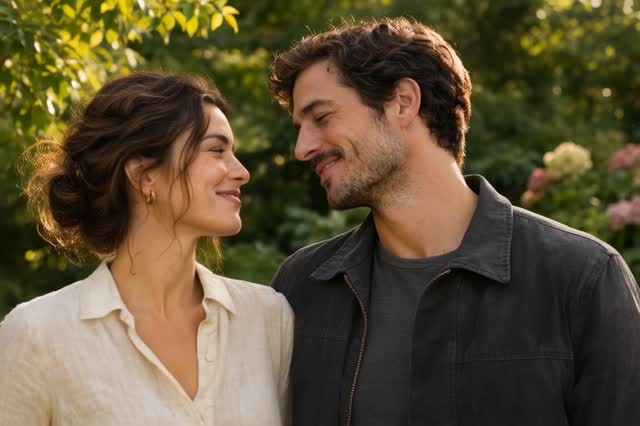
Make a quick kiss followed by a smile.
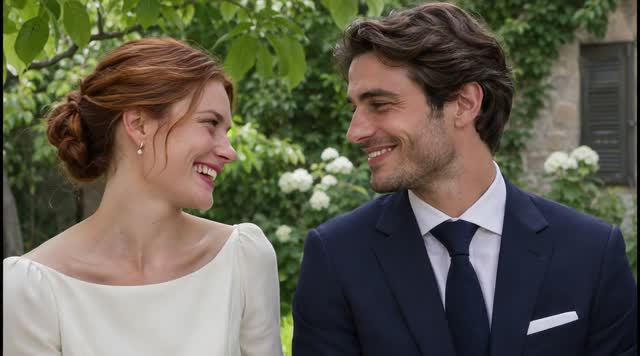
Turn your photos into a warm hug.
Add movement to portraits and other favorite photos.
Find another effect to try with your photos.
Answers about choosing photos, creating your kiss, and saving the finished video.
Yes. The AI French Kiss Video Generator is free to use without logging in. Upload a couple photo or two portraits, choose a model and create your video online.
Yes. Select Two portraits and upload one photo of each person. If you're already together in the same picture, choose One couple photo instead. You don't need to combine separate photos yourself.
Choose a sharp, well-lit photo where the eyes and mouth are easy to see. Leave a little room around each head, and avoid hands or hair covering the face. For two portraits, similar head sizes and camera angles are a helpful starting point. You can upload JPG, PNG, or WEBP files up to 5 MB each.
AI French Kiss is set up for a slow lean-in and a lingering kiss. AI Kiss aims for a brief kiss followed by a smile. Choose French Kiss for a longer romantic moment, or AI Kiss for a quick, playful one.
Your photos guide the faces and appearance, but details can change as the people turn or their faces overlap. If a result doesn't look right, try a clearer photo, keep both faces a similar size, or choose another model.
No. The kissing effect is already prepared. Upload your photos, choose an available model, and select Create. If you want music, captions, or extra clips, download the result and add them in your usual video editor.
Generation time depends on the model and how busy the service is. Follow the status in Your videos while it runs. Once the clip is finished, open it to preview or download it.
Yes. Open a completed clip in Your videos and download it to your device. Send it in a message, keep it as a memory, or use it in a longer edit. When sharing publicly, let viewers know the scene was made with AI.
Use photos of adults who have agreed to appear in a kissing video. Your own couple photos or portraits you both choose are a good starting point. Ask before making or sharing a video of another person.
Upload your photos and create a romantic clip for your next message, anniversary, or just because.