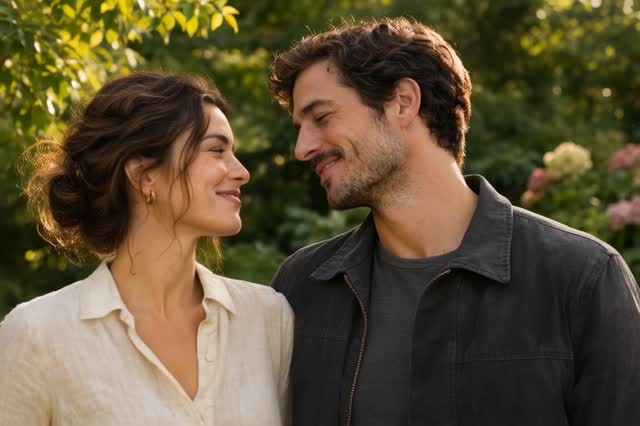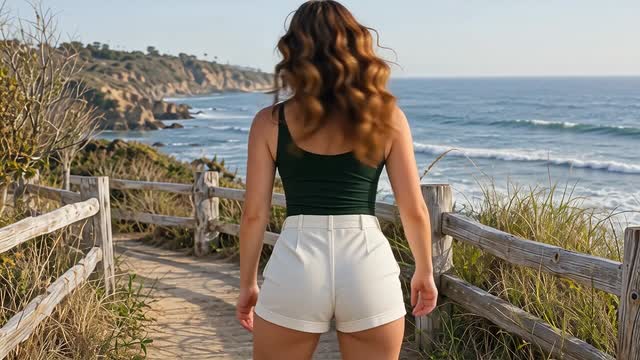
Free AI Hug Video Generator Online

Turn one photo or two separate portraits into an AI hugging video for free. Bring family, a partner or your younger self into a hug—no login, editing or prompt writing needed.

Make your AI hug video

Video Effects

AI Hug
Choose one or two photos

Model

AI Hug Video Examples

See the embrace in motion before you try it with your own photos.

Two ways to turn your photos into a hug

Start with a picture together or bring two people into the same scene from separate photos.

Make the people in your photo hug

Animate a favorite couple photo or a picture with someone in your family. The image gives the video its starting scene, and the AI adds the embrace. You don’t need a recording of the two of you hugging.

Choose a photo with just the two people you want in the hug, with their faces and upper bodies visible.
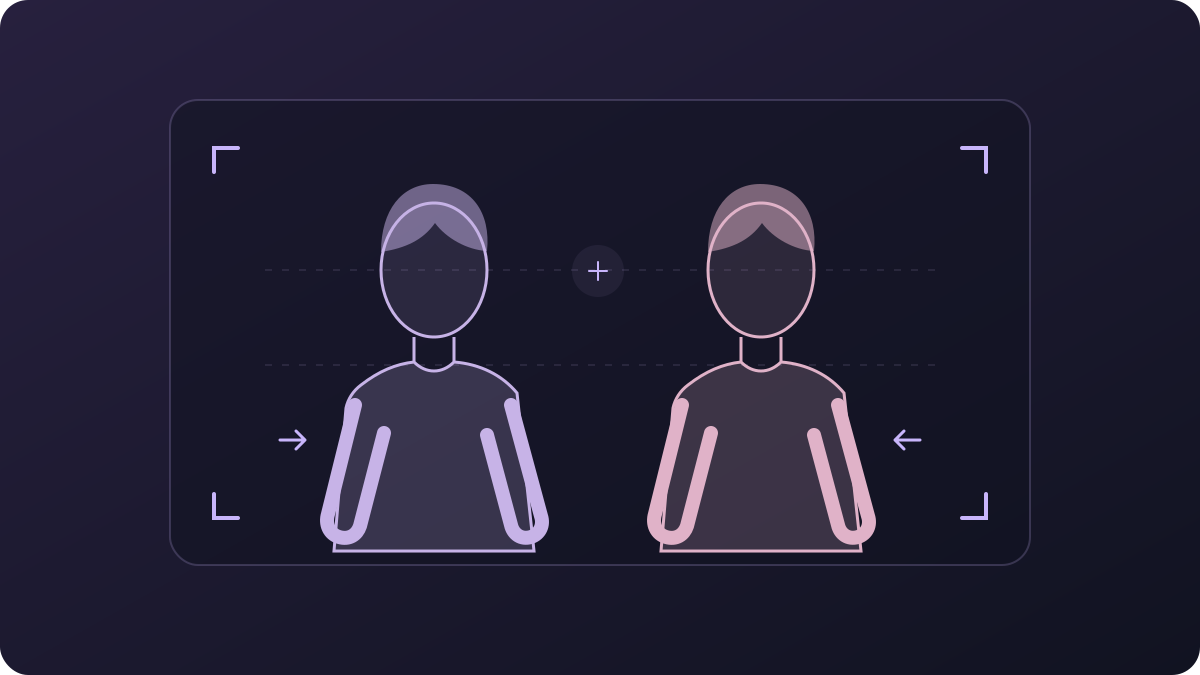
Framing illustration of two people side by side with space around their shoulders and arms
One-photo framing guide

Create a hug when you have no photo together

Bring a friend or loved one into the same scene using two separate portraits. Each photo provides one person, so you can make a hug from pictures taken in different places. There’s no collage to prepare first.

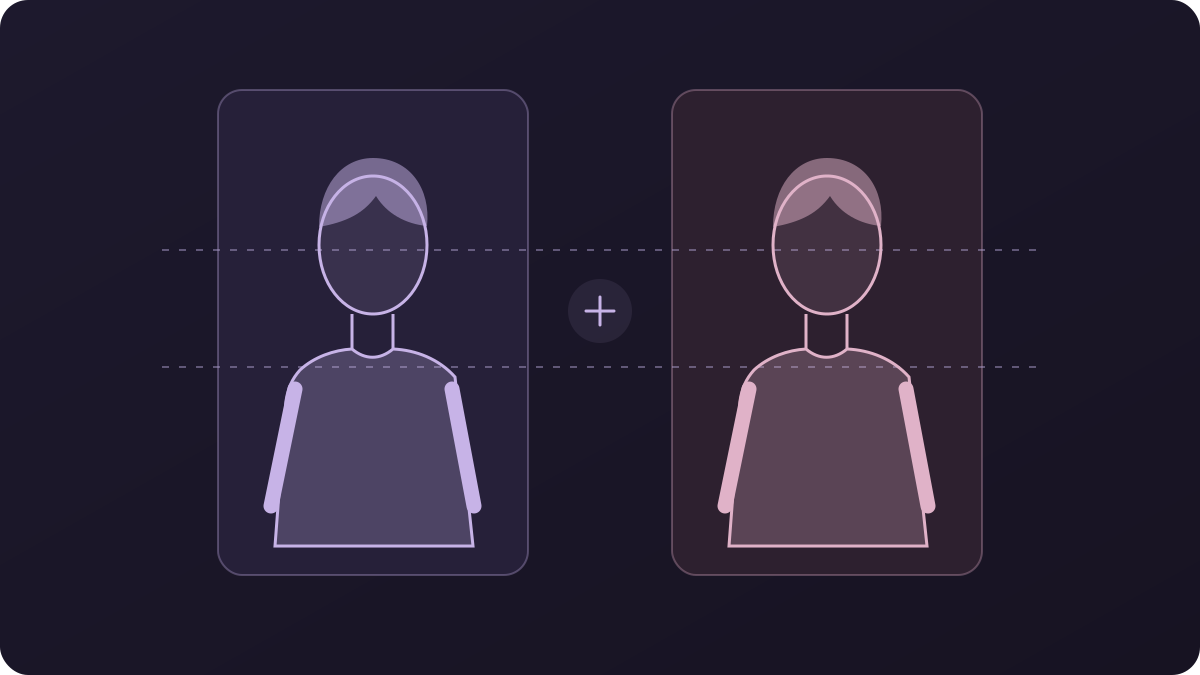
Pick portraits with similar lighting and face angles to give the AI a more consistent starting point.

Framing illustration of two separate portraits with faces and shoulders at a similar height
Two-portrait framing guide

Why choose our AI Hug Video Generator?

Create a hug, try another take and save your favorite in the same workspace.

No prompt to write

The hugging motion is already set up. You can focus on choosing the people and photos, without having to describe how they should move.

Try another model with the same photos

If the first hug isn’t quite right, choose another available model without uploading your photos again. Compare the results and pick your favorite.

Preview and download in one place

Review your finished hugs in Your videos. Play each clip, check the faces and movement, then download the one you want to send.

Make a hug for someone you care about

Send a hug with a greeting, share it in a chat or add it to a family video.

  • Birthday and anniversary greetings

    Start with a photo of you and the person you’re celebrating. Send the hug with a written greeting, or add the clip to a birthday or anniversary video in your editor.

  • A hug across the distance

    Use portraits of you and a partner or friend who lives far away. Send the short video in your chat when you can’t share a hug in person.

  • Old family photos

    Make a new hugging scene from a clear photo with a parent or grandparent. Save it alongside the original picture, or use it as a short moment in a family montage.

How to make an AI hug video

Choose your people, create the hug and save the result. The hugging action is already prepared.

  1. Add one or two photos

    Select One photo for a picture with both people, or Two photos for a portrait of each person. Add the images to the upload boxes.

  2. Create the hug

    Keep AI Hug selected, choose a model and click Create. You can follow the generation in Your videos.

  3. Watch and download

    Play the finished clip and download the version you like. For another take, use Redo on a finished hug, then click Create again.

Try another effect or choose a different kind of movement for your next video.

AI Hug Video Generator FAQs

What to know about your photos, the finished clip and getting started.

Can I create an AI hug video for free?

Yes. The AI hug video generator is free to use online. Upload a photo together or two separate portraits, choose a model and create your hug.

Can I use the AI hug generator without logging in?

Yes. You can upload your photos and create an AI hug video without logging in or creating an account.

Do I need a prompt to make the people hug?

No. The AI Hug effect includes the hugging instructions. You choose the photos and model; you don’t need to write a motion prompt.

Can I use an old photo of a family member?

Yes. Use the clearest scan you have, with their face unobstructed. Choose One photo if both people are pictured, or Two photos to pair it with another portrait. The video creates a new hug from those references.

Which photos work best for a natural-looking hug?

Use clear faces and visible shoulders and arms. Avoid group photos, cropped-off heads and heavily covered faces. For two portraits, similar lighting and camera angles help. Faces and hands can still change, so check the finished clip.

Which model should I choose?

Start with the model selected for your photo option. One photo and Two photos show different compatible models. If you want a different result, keep your photos and try another available model.

How long is an AI hug video?

Clip length depends on the selected model’s effect preset. Processing time varies with the model and queue. Check Your videos for progress, then preview the finished hug before downloading.

Can I add music, captions or a message?

Download the hug video and add your own music, captions or a personal message in your usual video editor. This gives you control over the words and timing.

Can I make an AI hug video on my phone?

Yes. Open the tool in your phone’s browser and upload photos from your gallery. JPG, PNG and WebP are accepted, up to 5 MB per photo. Convert HEIC photos to JPG or PNG before uploading.

Turn your photos into an AI hug

Choose a photo together or two portraits and make a short video to keep or send.

Create an AI hug video